Browsing Files
Navigate and explore files in your cloud storage buckets.
Prerequisites
Before browsing files, ensure:
- You're logged in to the platform
- An organization is selected
- A project with credentials is selected
File Browser Interface
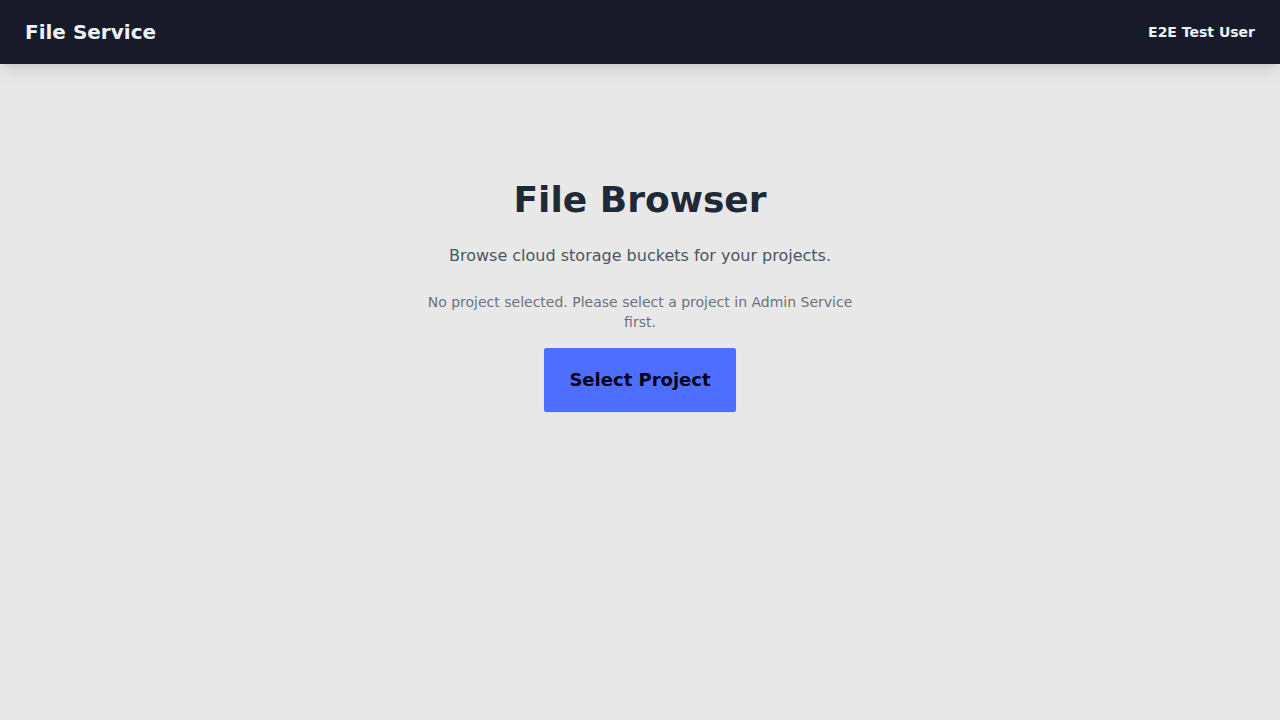
The File Browser displays:
- Current path - Breadcrumb navigation showing your location
- Folders - Directories in the current path (click to navigate)
- Files - Individual files with size and modification date
Navigation
Entering Folders
Click on any folder name to navigate into it. The breadcrumb trail updates to show your path.
Going Back
- Click any item in the breadcrumb trail to jump to that location
- Click the Home icon to return to the bucket root
Refresh
Click the Refresh button to reload the current directory contents.
File Information
Each file shows:
| Column | Description |
|---|---|
| Name | File name (click folders to enter) |
| Size | File size in human-readable format |
| Modified | Last modification timestamp |
| Actions | Download button |
Filtering
Use the search box to filter files and folders in the current directory by name.
Next Steps
- Upload & Download - Transfer files
- Credentials - Configure storage access