Running Workflows
Execute bioinformatics pipelines on cloud infrastructure.
Prerequisites
Before running a workflow:
- Select an organization and project
- Ensure the project has valid credentials with write access
- Have input data uploaded to your storage bucket
Starting a Run
From the Dashboard
- Navigate to Compute service
- Click New Run
- Select a pipeline
- Configure parameters
- Click Launch
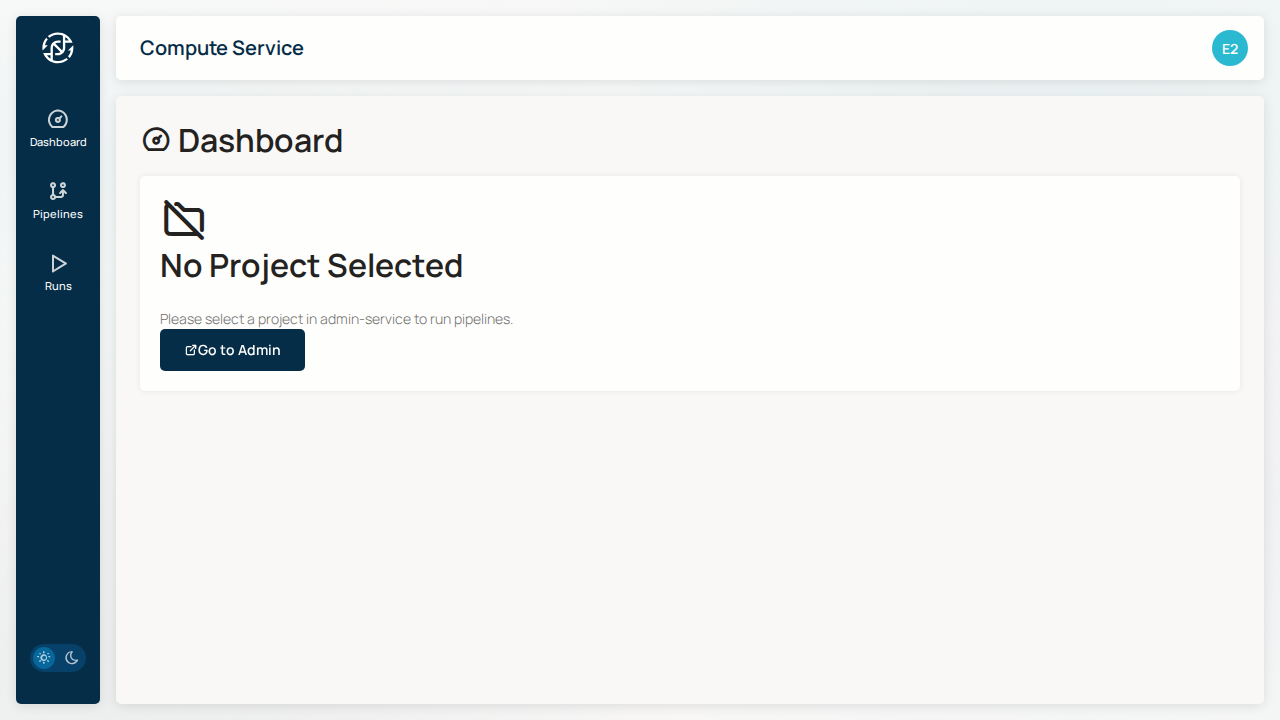
From the Pipelines Page
- Go to Pipelines
- Click on the desired pipeline
- Fill in the parameter form
- Click Launch
Configuring Parameters
Input Files
Specify input data location in your storage bucket:
Output Directory
Results will be written to:
Common Parameters
| Parameter | Description | Example |
|---|---|---|
input |
Sample sheet path | gs://bucket/samples.csv |
outdir |
Results directory | gs://bucket/results/ |
genome |
Reference genome | GRCh38 |
Execution
Workflows execute on GCP Batch:
- Submission - Job submitted to GCP Batch
- Scheduling - Resources allocated
- Execution - Pipeline processes run
- Completion - Results written to output directory
Run Identifiers
Each run has a unique ID:
- Run ID - UUID for the run (e.g.,
abc123-def456) - GCP Job ID - GCP Batch job identifier
Resuming Failed Runs
Coming Soon
Resume functionality will be added in a future release.
Next Steps
- Monitoring - Track run progress
- File Browser - View results